Ray Tracing Assignment


The aim of the assignment was to generate interesting images using POVRAY - Persistence of Vision Raytracer .So, it entailed studying and implementing various features of POV-Ray. The features used in the images are:-
  1. Using the .ini method
  2. Placing camera/ Multiple cameras were also tried
  3. heading, pitch , roll and FOV for Objects
  4. Light sources
  5. Various texture options
  6. Internal animation
  7. Using mesh data
  8. Format conversion using existing 3D models
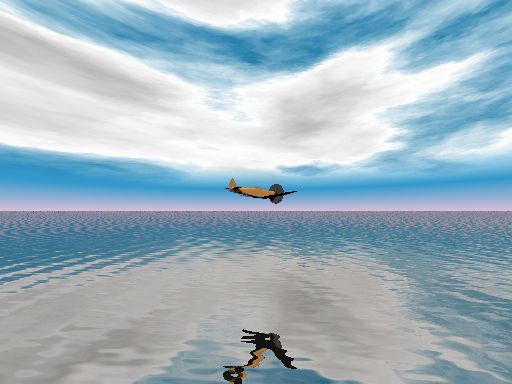
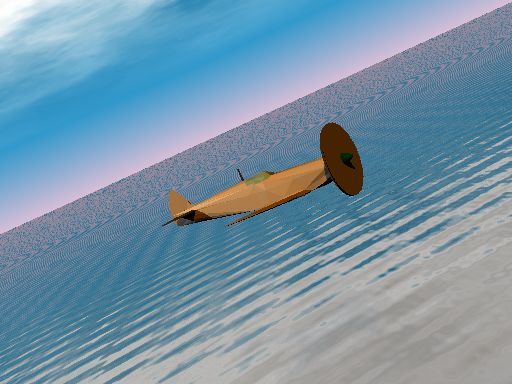
The emphasis has been on the lighting effects in the picture. Animation has been used extensively to generate different frames of the image. These frames have been integrated into an animated GIF file usingULEAD GIF ANIMATOR on Linux Platform. First, let us have a look at the still images obtained by the program. The following image(without the clock object) has been rendered  (No animation).


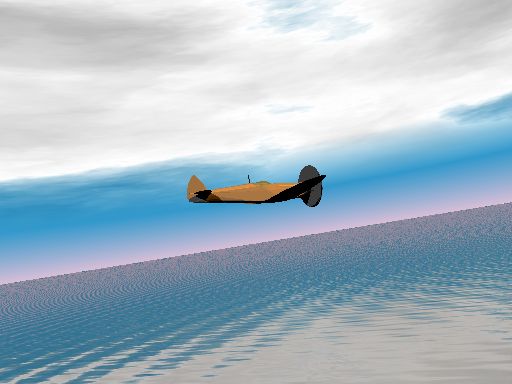
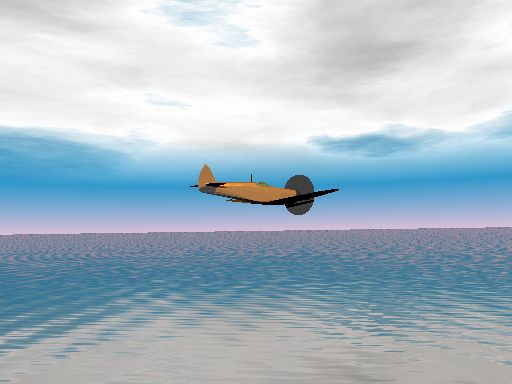
As can be seen later, changing just one parameter in the fov OF  .pov file, we can get significant change in the background.


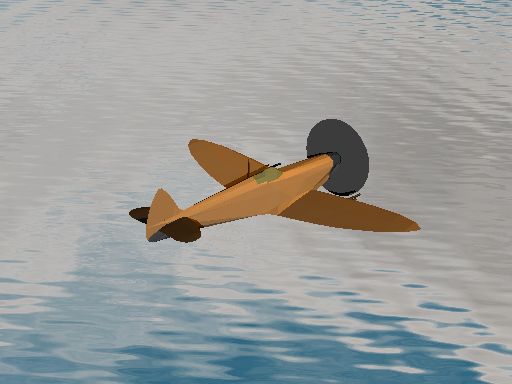
A simple animation is created using the "clock" variable. The PLANE zooms past the screen as the animation advances. The water is also animated A 3D model was used to generate this image some more on how it was done is appended below

1.I used the Open flight API’s and Multigen creators capabilities to convert the Prowler.flt to Prowler.dxf format. After that I used a freeware converter toolkit called Poseray Moraywin to convert this into a Povray mesh. The geometry, texture and material include files were created which were include in an .ini file. This file was included in a base file for Povray.
2. I then added various include files as required. I then initialised the light source by trial and error at a sufficient distance. I wanted it to act like a sunlight but since the effect was not too good changed the values later to suit the scene. I used the sky.inc file from samples included. I then defined the ocean using chrome texture and glass texture. I then used poserays self generated camera and light source attached with camera to modify my scene. The geometry file was included to produce the airplane.
3. Lots of sample images included.Lots of permutations and combinations tried including animation with clockmod.inc.

Finally a link to animation page
                                                
Resources used:
There is a lot of material available on the web. However, the best place to go to learn POV-Ray from scratch would be http://www.povray.org/documentation/. There are many other websites which display amazing creations. Some of them are mentioned below.
  1. Creatingsimple 3D animations in POVRay
  2. http://www.ulead.com.tw
  3. http://www.metlin.org/graphics/ray/
Other image files  from the assignment are included
  1. Another GIF image showing some more shades 
  2. My first attempt at generating an interesting image using povray (first.pov)
  3. More models included in first.pov (first1.pov)

HOME